
Technical SEO Checklist 2026: The Complete Guide to a Search-Ready Website
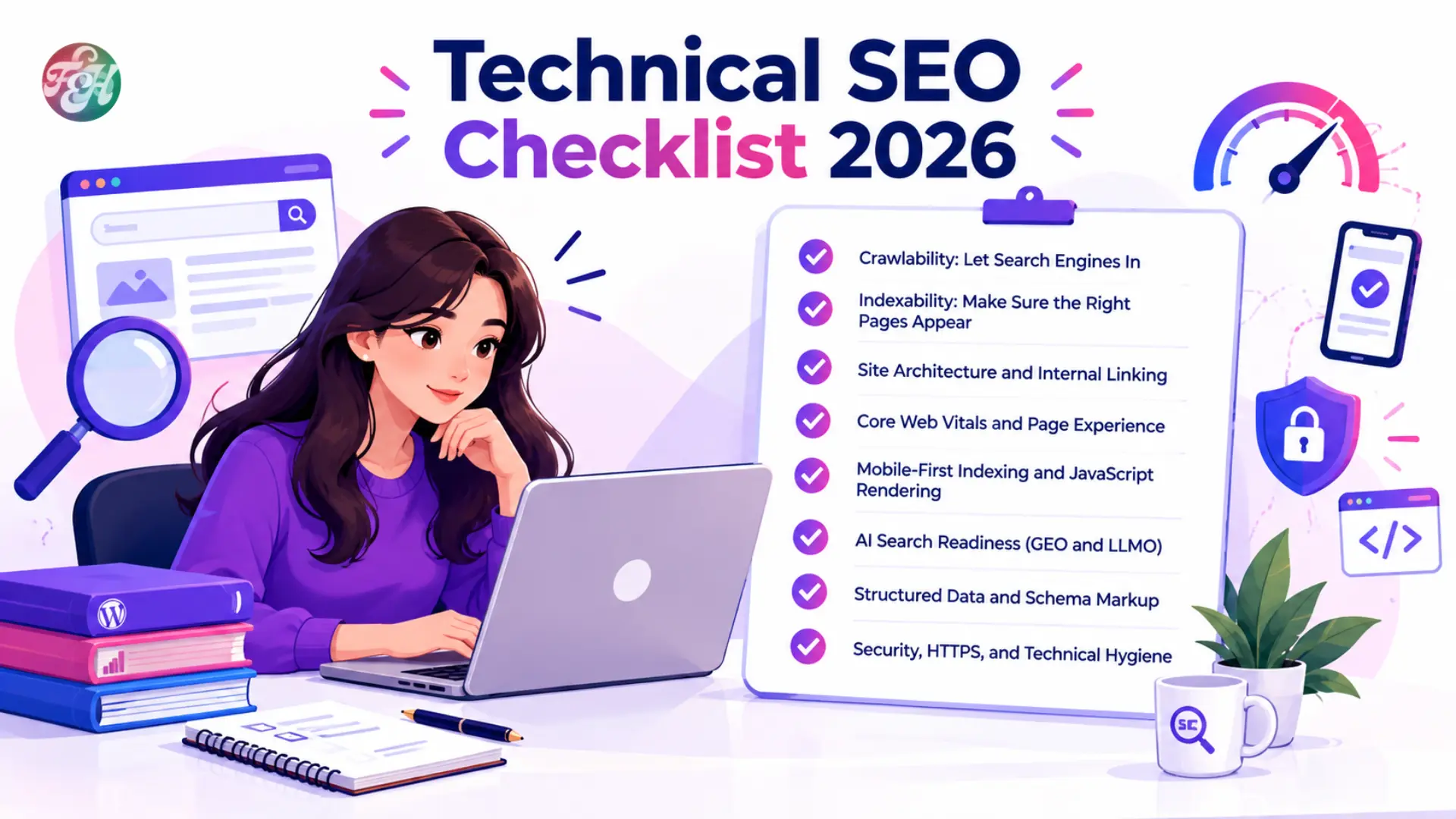
Great content cannot rank if search engines cannot find, render and understand it. That is the job of technical SEO, and it is the foundation under every page you publish.
In 2026 this foundation matters even more. Search results now include AI-generated summaries, many people use chat-style assistants to find answers, and the crawlers visiting your site are more varied than before. Every week I see the same technical problems on websites: blocked resources, messy sitemaps, slow pages and missing structured data. This checklist covers what I check, in the order I check it.
1. Crawlability: let search engines in
Crawling is the first step. If a bot cannot reach a page, nothing else matters.
- Review robots.txt. Open yourdomain.com/robots.txt and confirm no important folder is blocked by accident. One stray "Disallow: /" line has removed whole sites from search.
- Do not block CSS and JavaScript. Search engines need them to render pages the way users see them.
- Fix crawl traps. Internal search pages, endless filter parameters, session IDs and duplicate tracking URLs waste crawler attention on large sites.
- Watch server health. Frequent 5xx errors or slow responses make bots crawl less. Check the Crawl Stats report in Search Console.
2. Indexability: make sure the right pages appear
A crawled page is not always an indexed page. This step makes sure the pages you want are indexed and the pages you do not want stay out.
- Clean your XML sitemap. Include only canonical, indexable URLs that return a 200 status. Split large sitemaps by section (blog, products) so you can spot which section has problems.
- Use canonical tags correctly. Every indexable page should have a self-referencing canonical. Do not let canonicals conflict with redirects or hreflang.
- Use noindex carefully. Apply it to thank-you pages, internal search results and staging copies. Never combine noindex with a robots.txt block, because the bot cannot see the tag on a page it cannot crawl.
- Study the Page Indexing report. "Crawled, currently not indexed" and "Discovered, currently not indexed" often point to thin content, duplication or weak internal links.
- Choose one domain version. Redirect http, non-www or www duplicates to a single HTTPS version with 301 redirects.
3. Site architecture and internal linking
A clear structure helps visitors and crawlers understand which pages matter most.
- Keep key pages close to the homepage, ideally within three or four clicks.
- Build topic clusters. Link supporting articles to a main pillar page and to each other. Our FeshToolz blog is organised this way around SEO, guest posting and AI content.
- Remove orphan pages. Compare a crawl against your sitemap and link every valuable page from relevant places.
- Use descriptive anchor text. "Core Web Vitals audit guide" beats "click here".
- Add breadcrumbs with BreadcrumbList schema, and keep URLs short, lowercase and readable.
4. Core Web Vitals and page experience
Core Web Vitals measure real user experience. They are one signal among many in Google's systems, not the biggest ranking factor, but slow, jumpy pages also lose visitors and sales.
| Metric | What it measures | Good target |
|---|---|---|
| Largest Contentful Paint (LCP) | Loading speed of the main content | 2.5 seconds or less |
| Interaction to Next Paint (INP) | Responsiveness to taps and clicks | 200 ms or less |
| Cumulative Layout Shift (CLS) | Visual stability while loading | 0.1 or less |
How to improve each metric
- LCP: serve the hero image in WebP or AVIF, do not lazy-load the main above-the-fold image, preload critical resources, use caching and a CDN.
- INP: reduce heavy JavaScript, break up long tasks, and remove unused third-party scripts such as extra chat widgets and trackers.
- CLS: set width and height on images, videos and ad slots, and reserve space for banners and embeds.
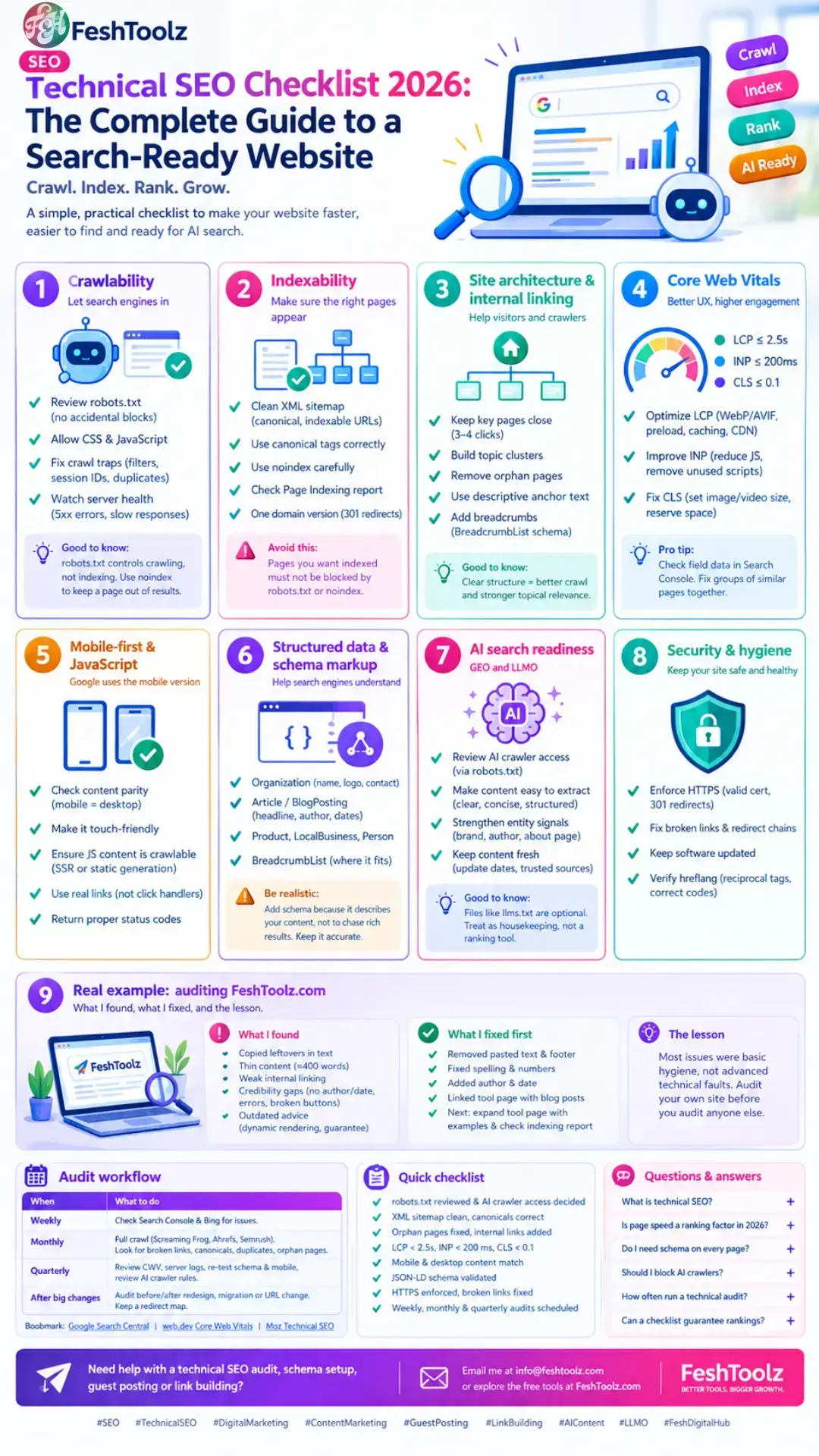
5. Mobile-first indexing and JavaScript
Google primarily uses the mobile version of a page for indexing. If your mobile page is missing content, your rankings can suffer.
- Check parity. Main content, headings, structured data, meta tags and internal links should match on mobile and desktop.
- Keep it touch-friendly. Readable fonts, spaced buttons and a correct viewport tag.
- Make JavaScript content crawlable. Use server-side rendering or static generation for important content. Google no longer recommends dynamic rendering as a long-term fix.
- Use real links. Navigation should use anchor tags with href, not click handlers only.
- Return proper status codes. A "soft 404" that shows an error message with a 200 status confuses crawlers.
6. Structured data and schema markup
Schema helps search engines understand what a page is about. Use JSON-LD, the format Google recommends.
- Organization with name, logo, contact details and sameAs social profiles
- Article or BlogPosting with headline, author and dates
- Product, LocalBusiness, Person and BreadcrumbList where they fit
Test your markup with the Rich Results Test and the Schema Markup Validator.
7. AI search readiness (GEO and LLMO)
AI search features and assistants pull from web content, and a technically healthy site is easier to understand and cite. There are no guarantees, but there are sensible steps.
- Review AI crawler access. Some bots collect training data and others fetch pages for live answers. Decide on purpose which to allow, using robots.txt rules by user agent. Check each company's official documentation, because bot names and behaviour change.
- Make content easy to extract. Clear headings, short paragraphs, direct answers near the top and tables where they fit.
- Strengthen entity signals. Keep your brand name and details consistent, build clear About and author pages, and earn mentions from trusted sources.
- Keep content fresh. Show update dates and cite reliable sources.
8. Security, HTTPS and technical hygiene
- Enforce HTTPS with a valid certificate, 301 redirects and no mixed-content warnings.
- Fix broken links and remove redirect chains (Page A should go straight to Page C, not through Page B).
- Keep software updated. Hacked pages with spam links can destroy visibility quickly. Watch Search Console for security issues and manual actions.
- Verify hreflang on multilingual sites: reciprocal tags, correct codes such as en-gb or ur-pk, and consistent canonicals.
Real example: auditing FeshToolz.com
FeshToolz.com is about three months old. It runs on WordPress with Elementor Pro, and I built the AI Content Creator tool myself myself with the Google Gemini API. I added the site to Google Search Console only recently, so I treated it like any new client site and ran this checklist on it.
What I found:
- Copied leftovers in published text: stray interface text such as "Type your message..." and "Copy" had been pasted into an article, and a footer line was cut off mid-sentence.
- Thin content: the AI Content Creator page had roughly 400 words, no screenshot, no example output and a vague "advanced AI" claim.
- Weak internal linking: the tool page and the blog articles did not link to each other.
- Credibility gaps: no visible author name or update date, a few spelling errors, inconsistent statistics and some buttons that did not work.
- Outdated advice: one of my own checklists recommended dynamic rendering and used a "guarantee" claim, both of which I removed.
What I fixed first: I cleaned the pasted text and footer, corrected spelling and numbers, added author and date lines, and linked the tool page with related blog posts. Next on my list are expanding the tool page with real prompt-and-output examples, and checking the Page Indexing report as Google processes the site.
The lesson: most of my problems were not advanced technical faults. They were basic hygiene issues that a simple checklist catches. Audit your own site before you audit anyone else's.

Audit workflow
| When | What to do |
|---|---|
| Weekly | Check Google Search Console and Bing Webmaster Tools for indexing drops, security issues and manual actions. |
| Monthly | Run a full crawl with a tool such as Screaming Frog, Ahrefs Site Audit or Semrush Site Audit. Look for broken links, missing canonicals, duplicate titles and orphan pages. |
| Quarterly | Review Core Web Vitals field data, analyse server logs, re-test schema and mobile rendering, and review AI crawler rules. |
| After big changes | Audit before and after any redesign, migration or URL change, and keep a redirect map. |
For official guidance, bookmark Google Search Central, web.dev Core Web Vitals and Moz's technical SEO guide.
Quick checklist
- robots.txt reviewed and AI crawler access decided
- XML sitemap clean, canonicals correct, one domain version
- Orphan pages fixed and internal links added
- LCP under 2.5s, INP under 200 ms, CLS under 0.1
- Mobile and desktop content match, key content visible in rendered HTML
- JSON-LD schema validated
- HTTPS enforced, broken links and redirect chains fixed
- Weekly, monthly and quarterly audits scheduled
Questions and answers
What is technical SEO?
Technical SEO is the work of making your website easy for search engines to crawl, render, index and understand. It covers speed, mobile usability, site structure, structured data and security.
Is page speed a ranking factor in 2026?
Yes, as one signal among many, through Core Web Vitals and page experience. It will not rescue weak content, but poor speed can hurt both rankings and conversions.
Do I need schema markup on every page?
No. Add it where it accurately describes the page: Organization on your homepage, Article on blog posts, Product on product pages, and BreadcrumbList for navigation.
Should I block AI crawlers in robots.txt?
It depends on your goals. Blocking training bots may protect your content but could reduce AI visibility. Decide deliberately, and review each bot's official documentation.
How often should I run a technical SEO audit?
Check Search Console weekly, run a full crawl monthly, and do a deeper review quarterly. Run an extra audit after any redesign or migration.
Can a checklist guarantee higher rankings?
No. Nobody can promise a specific ranking. A sound technical foundation removes obstacles and gives good content a fair chance to compete.
Final thoughts
Technical SEO is about removing obstacles. When your site is fast, crawlable, secure and clearly structured, search engines and AI systems understand your content with less friction, and visitors get a better experience. Start with crawling, indexing and speed, then move on to schema and AI readiness. Fix problems in order of impact and re-check regularly.
Email me at info@feshtoolz.com or explore the free tools at FeshToolz.com.